Transform Your CasiOak with a Premium Steel Strap
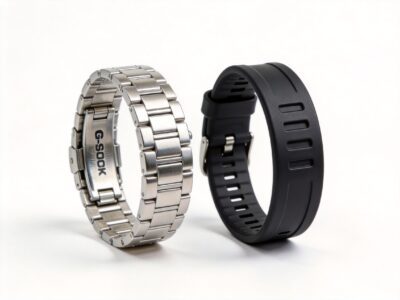
The GA-2100 CasiOak is already one of the most stylish watches in the G-Shock lineup. But swap out that rubber strap for a precision-machined steel bracelet, and you’ve got a timepiece that rivals watches costing ten times more.
In this guide, we’ll walk you through the complete process of installing a steel strap on your GA-2100, from choosing the right strap to the final polish.
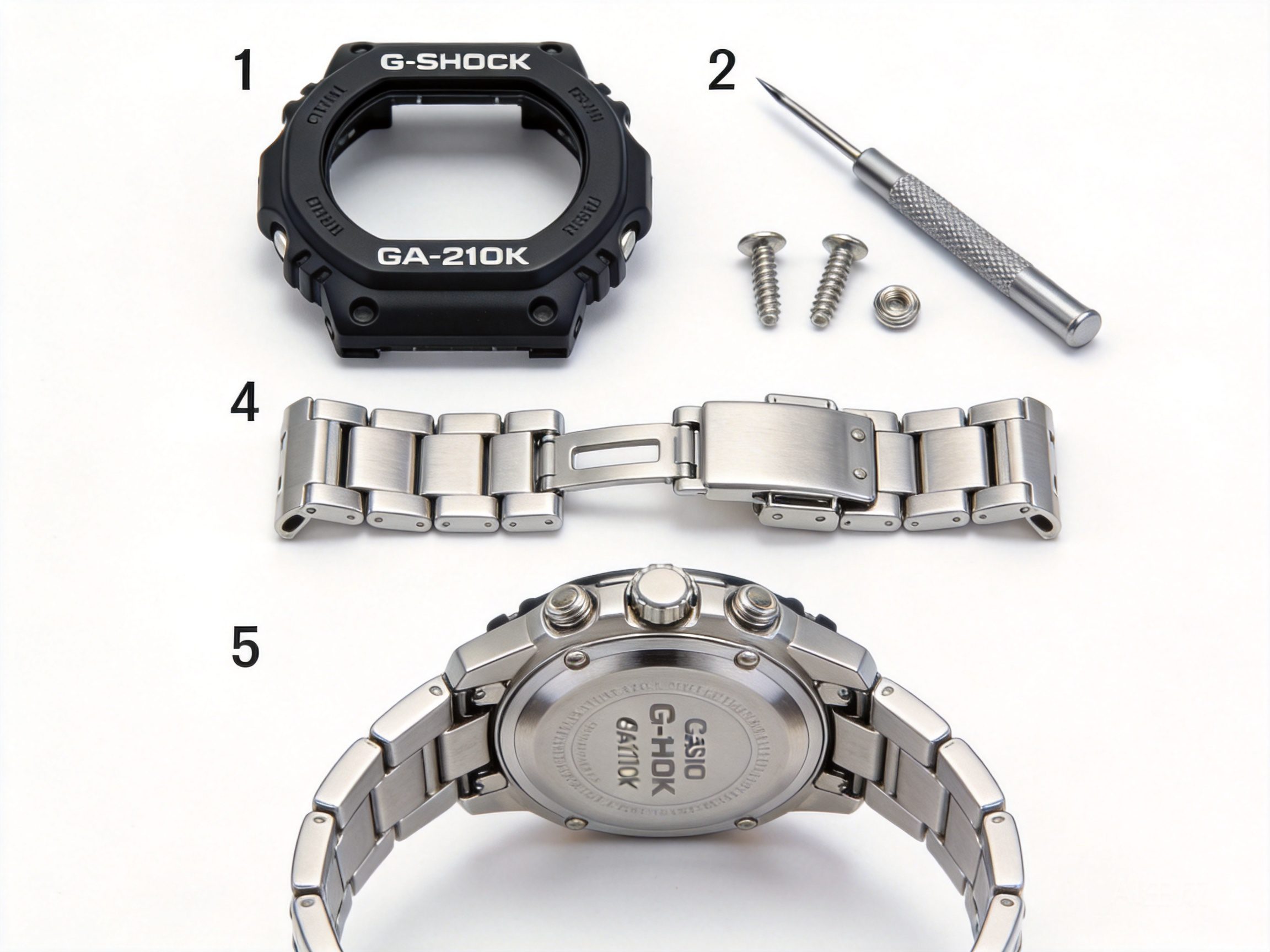
Before You Begin: What You’ll Need
- Steel strap compatible with GA-2100 (16mm lug width)
- Spring bars (usually included with your strap)
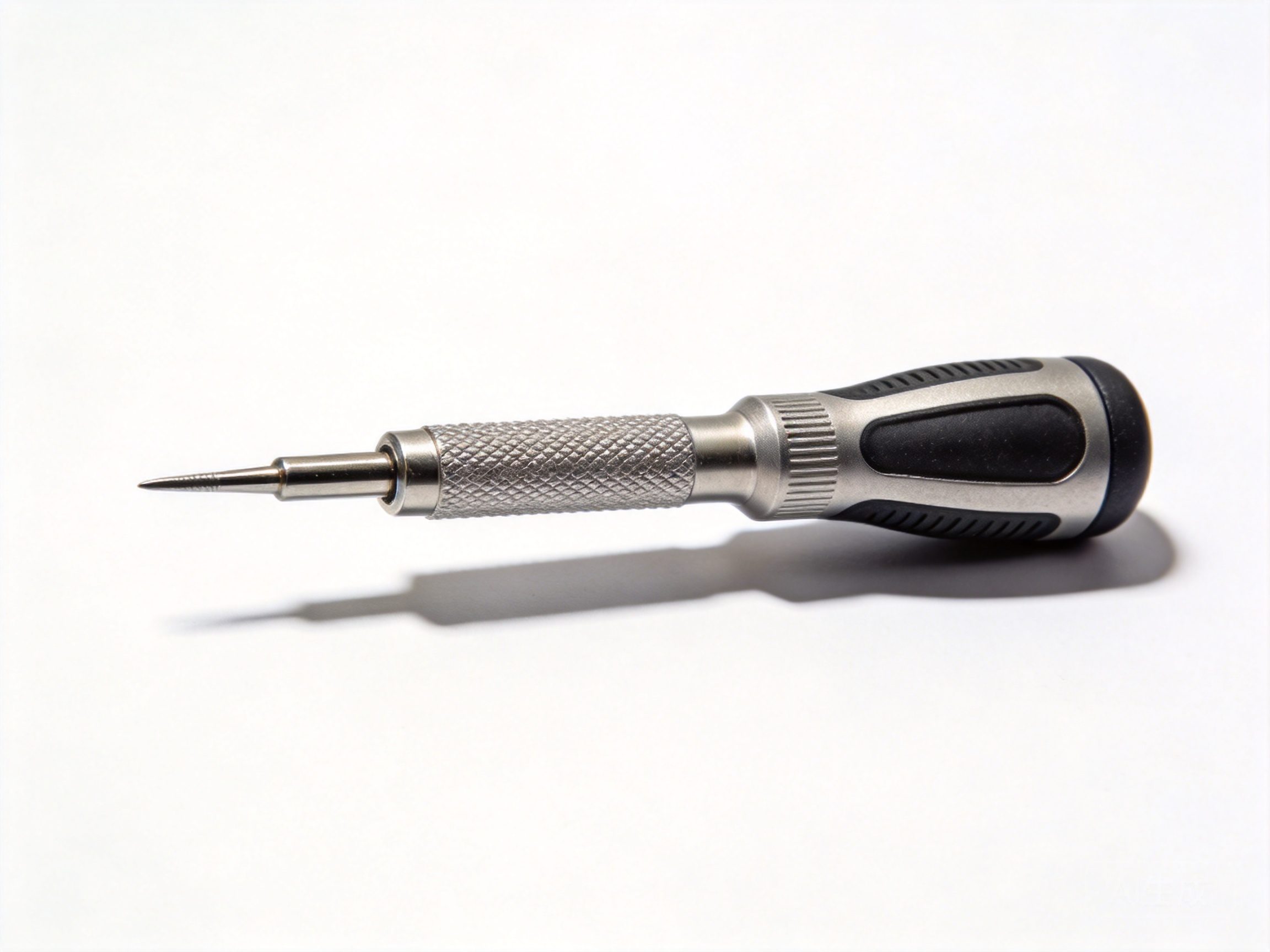
- Spring bar tool or small flathead screwdriver
- Tweezers (optional but helpful)
- Soft cloth for protection
- Lug brush (for cleaning)
Part 1: Removing the Original Strap
Step 1: Prepare Your Workspace
Find a clean, flat surface with good lighting. Place your soft cloth down to protect your watch from scratches. Make sure your tools are clean and within reach.
Step 2: Locate the Spring Bars
The spring bars are the small metal pins that connect your strap to the watch case. On the GA-2100, they’re hidden under the strap ends. Look for small slots or holes on the underside of the strap near the lugs.
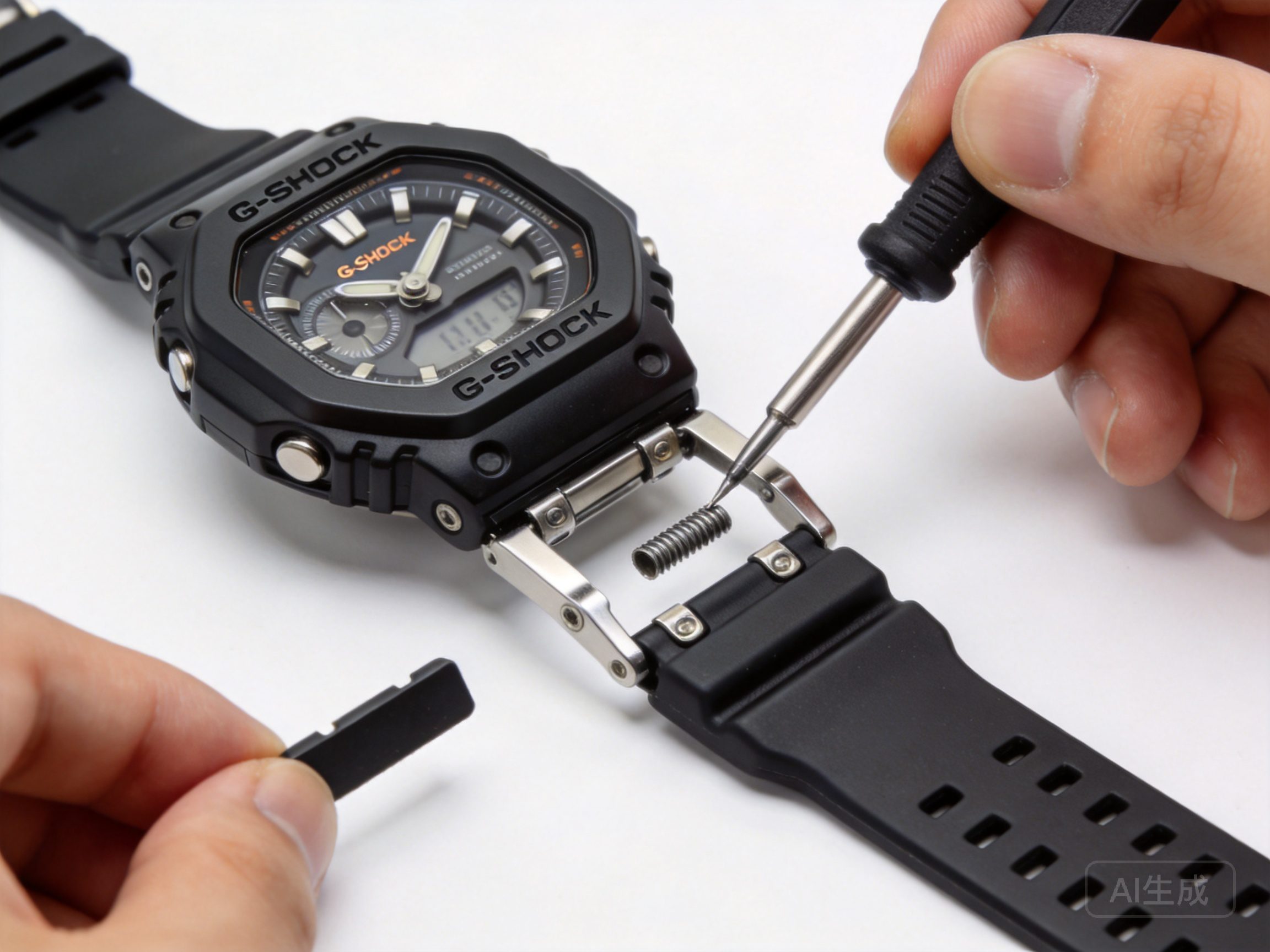
Step 3: Compress the Spring Bar
Insert your spring bar tool into the slot on the spring bar. Gently push inward to compress the spring. The spring bar has small coils inside that, when compressed, allow it to slide out of the lug holes.
Pro Tip: If you don’t have a spring bar tool, a small flathead screwdriver works, but be careful not to scratch your watch or strap.
Step 4: Remove the Strap
While keeping the spring bar compressed, pull the strap away from the watch case. The spring bar should release from the lug. Repeat on the other side.
Step 5: Clean the Lugs
Use a dry cloth or soft brush to clean any debris from the lugs. This ensures a clean fit for your new steel strap.
Part 2: Installing the Steel Strap
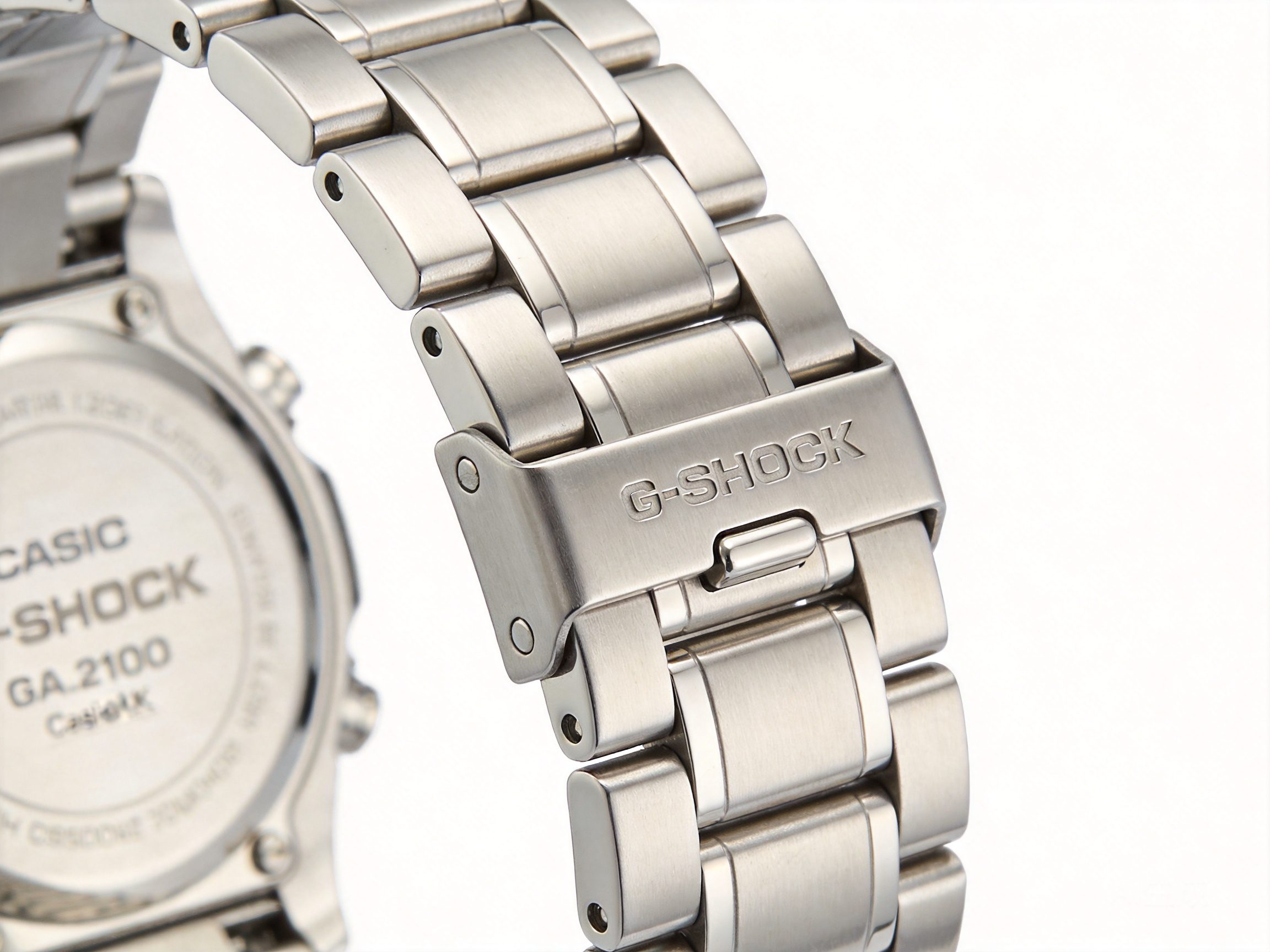
Step 1: Check Your Steel Strap
Before installing, verify that your steel strap is the correct size for the GA-2100. The lug width should be 16mm. Check that the spring bars are properly seated in the strap ends.
Step 2: Align the Strap
Hold your steel strap with the clasp facing outward. Align one end with the top lugs of your GA-2100. Make sure the spring bar holes are positioned to slide into the lug holes.
Step 3: Insert the Spring Bar
Using your spring bar tool, compress the spring bar on one side. Guide the opposite end into the lug hole, then release the compressed spring so it clicks into place.
Pro Tip: It’s easier to work from the outside of the watch (where you’d see the strap) toward the center. This gives you better visibility and control.
Step 4: Secure Both Sides
Repeat the process for the other side of the strap. Both spring bars should be fully seated in the lugs with no gap between the strap and case.
Step 5: Test the Fit
Gently tug on the strap to ensure it’s securely attached. There should be no movement or rattle. If the strap feels loose, remove and reinstall the spring bar.
Part 3: Adjusting Your Steel Strap
Most steel straps come with a deployant clasp that allows for micro-adjustments. Here’s how to adjust the fit:
Finding Your Size
- Put on the watch and determine if it’s too loose or too tight
- The ideal fit allows one finger to slide under the strap comfortably
- Mark links to add or remove with a fine-tip marker
Removing Links
- Locate the quick-release pins between links
- Insert a pin pusher or small screwdriver into the pin hole
- Push the pin out gently – don’t force it
- Reconnect the remaining links
Part 4: Caring for Your Steel Strap
To keep your steel strap looking its best:
- Regular Cleaning – Wipe down with a damp cloth weekly. For deeper cleaning, use mild soap and water.
- Dry Thoroughly – Always dry the strap after exposure to water
- Avoid Chemicals – Remove your watch before swimming in chlorinated pools or using cleaning products
- Polish Periodically – Use a jewelry polishing cloth to maintain the shine
- Store Properly – When not wearing, store in a watch box or pouch
Where to Buy Quality Steel Straps for GA-2100
For premium steel straps designed specifically for the GA-2100 CasiOak, check out GshockMod’s collection of steel bracelets. Our straps feature:
- Precision-machined 316L stainless steel
- Solid links with screw pins (no push pins that can fall out)
- Deployant clasps with push-button release
- Micro-adjustment for perfect fit
- Quick-release spring bars for easy swapping
Conclusion
Installing a steel strap on your GA-2100 CasiOak is one of the most rewarding upgrades you can make. It transforms the look from sporty to sophisticated, and with proper care, a quality steel strap will last for years.
Ready to upgrade your CasiOak? Browse our selection of GA-2100 compatible steel straps and give your watch the premium look it deserves.
Recommended Parts and Next Steps
If you are planning a build from this guide, these are the most relevant GshockMod shopping paths to continue from here: